

Start with the feeling
Describe the mood, genre and instruments you hear. “Quiet piano and warm strings for a rainy morning” is a useful place to start.
Explore Suno v6, v6-wild and v6-mini. Watch the official demos, compare the models and find inspiration for your next song.
An independent guide to Suno’s September 2026 release.Opens the official video on YouTube. This demonstration was made by Suno, not generated on this site.
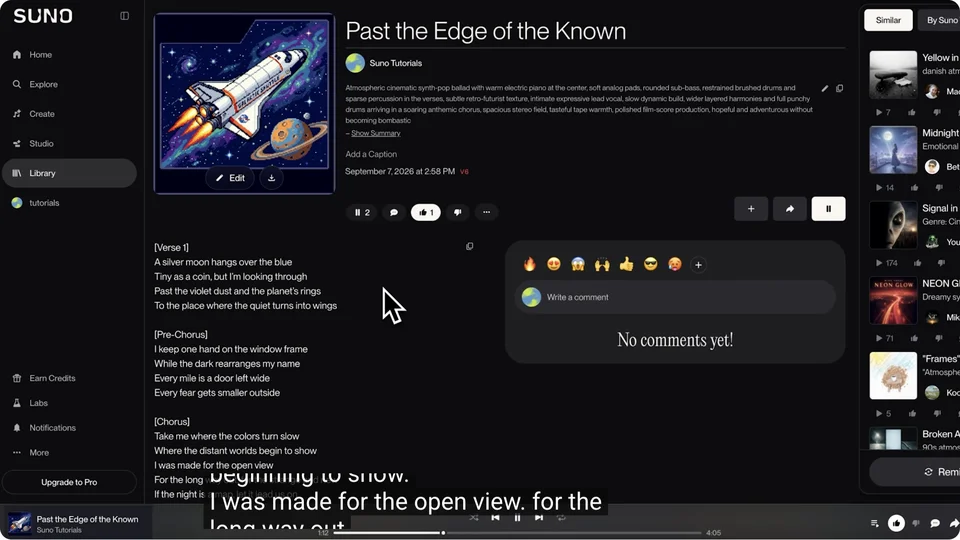 05:07
05:07A spacecraft illustration inspires Past the Edge of the Known.
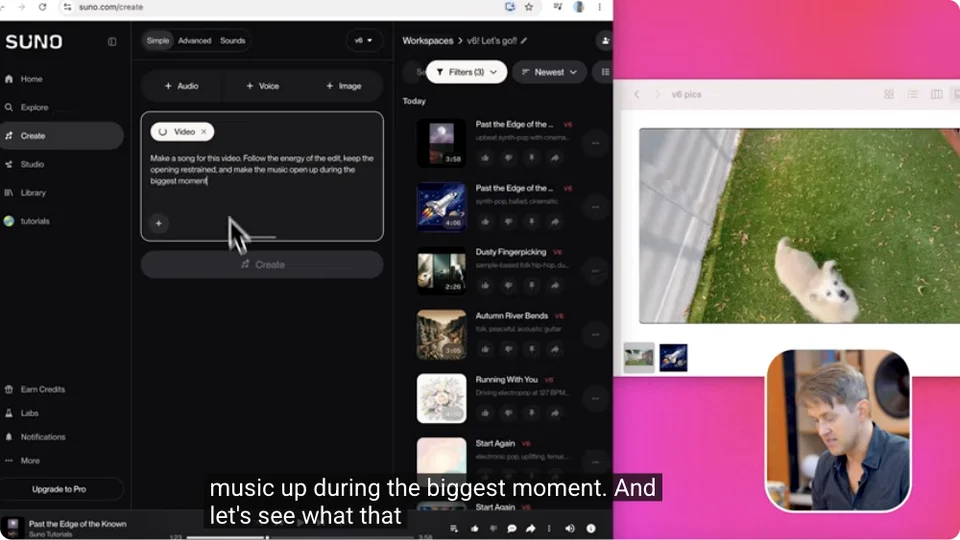 06:56
06:56A dog in the garden becomes a starting point for music.
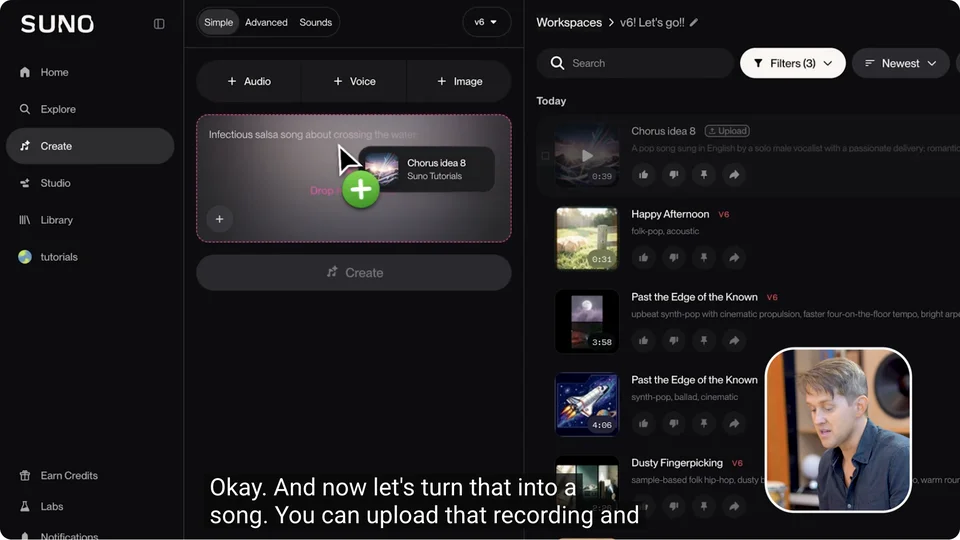 07:53
07:53A recorded chorus idea becomes a reference for a new track.
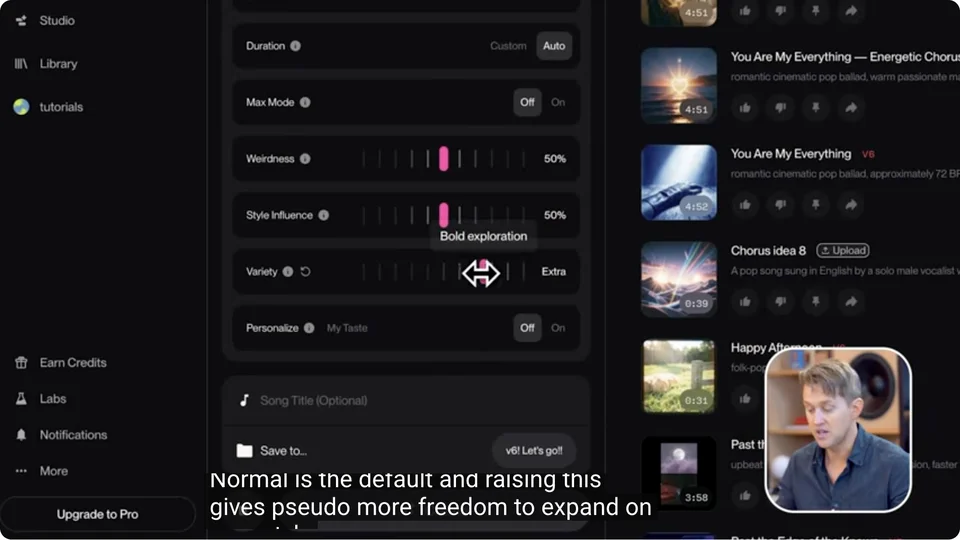 11:14
11:14See the Variety control in Suno’s Advanced Mode.
Video stills and demonstrations: Suno Music. Explore the features demonstrated in Suno through these official YouTube chapters.
You don’t need a perfect brief.
Just a feeling worth following.
Describe the mood, genre and instruments you hear. “Quiet piano and warm strings for a rainy morning” is a useful place to start.
Sketch a verse and a chorus, then describe the arrangement around them. For an instrumental idea, focus on melody and texture.
Try “an intimate piano verse that opens into a wide, drum-led chorus.” Describe how the song should change, not just how it should start.
Models, music prompts and the official sources.
Read the v6 release notes →Suno v6 is the music model generation announced by Suno on September 9, 2026. The release introduces v6, v6-wild and v6-mini. Our guide brings together the official announcement, video demonstrations and practical prompt ideas.
Start with a genre, a mood, instruments and the kind of vocals you imagine. Add a setting or a story if it helps. For example: “A hopeful indie folk song for a road trip, warm vocals, fingerpicked guitar and a chorus that opens up.” A clear musical direction is more useful than a long list of unrelated styles.
Separate the musical direction from the words you want sung. Sketch a verse, chorus and bridge, then describe how the arrangement changes between them. Use lyrics you wrote yourself or have permission to use.
Describe the lead instrument, tempo, mood and arrangement. For example: “Instrumental ambient piano, slow pulse, soft tape texture and a gradual build into warm strings.” Stating “instrumental” makes the intended absence of vocals clear, but generated results can still vary.
Suno describes v6 as its main model for songwriting, production and a wide range of inputs, v6-wild as a more adventurous creative option, and v6-mini as the model available on its free plan. The guide links to Suno’s original release and current plans so you can compare them at the source.
Use Suno’s own website at suno.com. Its official plans determine which models and features your account can access. V6 Music is an independent reference site: the demos link to Suno’s official YouTube channel.
Check Suno’s current terms and the rules for your plan and intended use. Commercial rights are not established by a model name alone, and downloads, remixes and third-party inputs can have additional restrictions. Our guide links to the original terms rather than treating every generated song as commercially licensed.